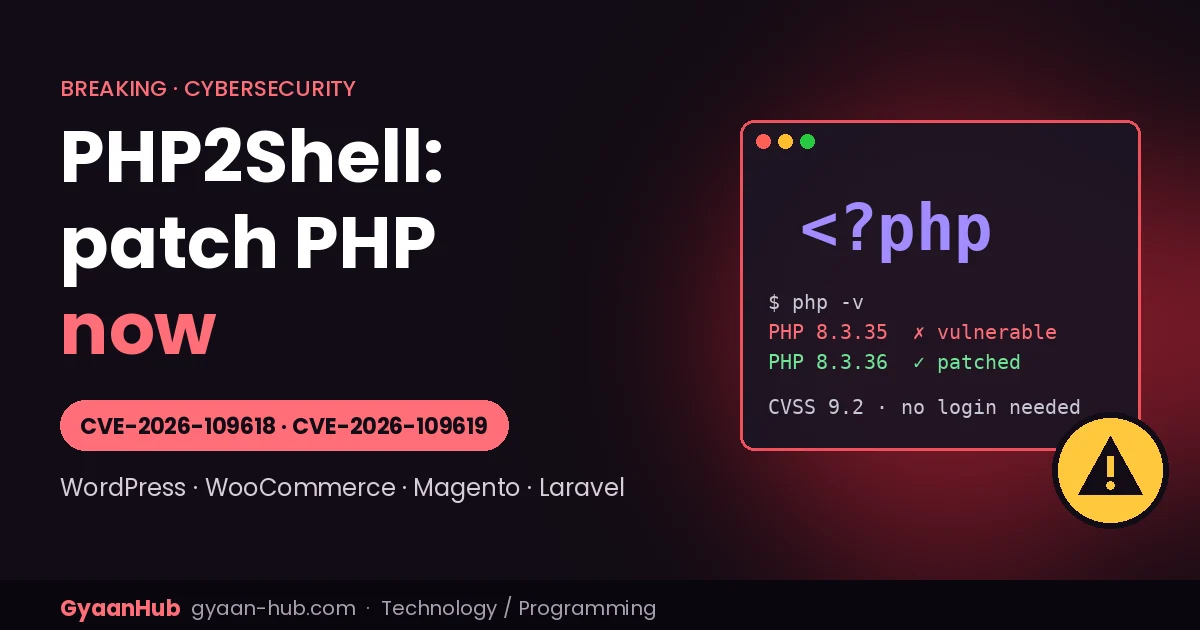
Quick answer: two critical flaws in PHP itself, nicknamed PHP2Shell (CVE-2026-109618 and CVE-2026-109619), can let an attacker take over a web server with a single request, without logging in. They affect almost every PHP version from 5.4 onwards, which means a huge share of the world’s websites, including WordPress, WooCommerce, Magento, Drupal and Joomla sites. PHP released fixes on 21 October 2026, and attacks have already been reported. If your website runs on PHP, update PHP today.
Here is what happened, who is at risk, how to check your server, and exactly what to do, in plain language.
PHP2Shell at a glance
| CVE IDs | CVE-2026-109618 and CVE-2026-109619 |
| Nickname | PHP2Shell (also written php2shell) |
| Severity | Critical: CVSS v4.0 score 9.2 for each (an early “10.0” score that circulated was wrong, according to the PHP Foundation) |
| What attackers can do | Run their own code on the server (remote code execution) and read sensitive memory |
| Login needed? | No. One crafted web request can be enough |
| Affected | PHP 5.4 up to the versions below, on any setup that serves web pages |
| Fixed in | PHP 8.5.12, 8.4.27, 8.3.36, 8.2.35 |
| Patch released | 21 October 2026 |
| Attacks | Attempts reported by Amazon, Cloudflare and watchTowr |
Why this one is so serious
Most website hacks target a specific plugin, theme or app. PHP2Shell is different: the bugs are in the PHP engine, the language that runs the website software. That has three big consequences:
- Your own code doesn’t matter. A perfectly secure WordPress or Magento site is still exposed if the PHP underneath is unpatched.
- The attack happens before your app runs. PHP processes the malicious request before WordPress, Magento or your security plugin even starts, so app-level protections, logins and many security plugins can’t block it.
- The reach is enormous. PHP powers most of the web’s content management systems and online stores, and the vulnerable code dates back to PHP 5.4, released over a decade ago.
Security researcher Kevin Beaumont called it one of the biggest vulnerabilities in years and predicted “a mass of incidents”.
What the two flaws are (in simple terms)
Both are memory-safety bugs. PHP mishandles memory while it is preparing an incoming request, and an attacker can shape that mistake into running their own commands.
- CVE-2026-109618: when a request pushes PHP to its memory limit, PHP’s clean-up code can wrongly treat half-built request data as valid. Some researchers also link it to PHP’s file-upload progress feature and say it can leak memory contents, such as passwords, session tokens and keys.
- CVE-2026-109619: leftover (“stale”) data from one request can point to memory that has already been freed, and a later request handled by the same PHP worker can reuse it. This is a classic “use-after-free” bug.
Research teams describe the internals slightly differently, but they agree on what matters: unauthenticated remote code execution, fixed only by updating PHP. We are deliberately not publishing technical exploit details.
Timeline
| Date (2026) | What happened |
|---|---|
| 1 Aug | Security firm Calif finds multiple remote-code-execution paths |
| 11 Aug | Calif reports the first bug to the PHP security team |
| 24 Aug | Wiz Research also reports the flaws to PHP |
| 17 Oct | Amazon’s honeypots see an exploitation attempt, four days before public disclosure |
| 20 Oct | The CVE numbers leak online; PHP announces an emergency release; watchTowr confirms code execution |
| 21 Oct, 1:13 PM IST | Cloudflare reports early attacks and deploys firewall rules |
| 21 Oct, 7:30 PM IST | PHP releases fixed versions, a day earlier than planned because of the leak |
The PHP Foundation credited Calif, OpenAI, Wiz and others for the research. Calif and Wiz both said they used AI models in their work, and Wiz noted that AI substantially lowered the effort needed to turn these long-hidden bugs into a working exploit. It is another sign of how AI is speeding up both attack and defence, something we covered in how one hacker used AI agents to breach 100+ websites.
Is it being exploited?
Reports differ, so plan for the worst:
- Amazon says the flaws are now being broadly exploited, with attempts from multiple attackers.
- Cloudflare said it is “seeing early attacks emerging”.
- watchTowr reproduced both bugs and is seeing attempts against both.
- Some government agencies initially said active exploitation was not yet confirmed.
Warning: code claiming to be a PHP2Shell exploit is circulating online. Much of it is unverified and some may itself contain malware. Never download or run it.
Which PHP versions are affected and fixed
| PHP branch | Safe version | What to do |
|---|---|---|
| 8.5 | 8.5.12 | Update now |
| 8.4 | 8.4.27 | Update now |
| 8.3 | 8.3.36 | Update now |
| 8.2 | 8.2.35 | Update now; 8.2 reaches end of life on 31 December 2026 |
| 7.4 – 8.1 | No official release | PHP published source backports; use your Linux vendor’s patched package, or upgrade PHP |
| 5.4 – 7.3 | No fix | End of life. Upgrade PHP (and your app) as an emergency |
All web setups are affected: PHP-FPM, Apache with mod_php, php-cgi, LiteSpeed and FrankenPHP. PHP rates Apache with mod_php as the highest risk.
Who needs to act
- WordPress and WooCommerce sites, including blogs on shared hosting.
- Magento / Adobe Commerce stores, especially self-hosted or on a VPS. Researchers confirmed pre-login code execution on Magento 2.4.9.
- Drupal, Joomla, PrestaShop, Shopware, OpenCart and other PHP platforms.
- Laravel, Symfony and custom PHP apps, including internal tools, ERPs, billing and shipping integrations.
- Forgotten servers: old landing pages, test sites and admin tools that still run PHP. Experts expect these to be the “long tail” that gets hacked for months.
Not directly affected: fully hosted platforms like Shopify, Wix or Squarespace, though any PHP app you host yourself for them is.
What this means for India
India has a massive number of PHP websites: small-business sites, local e-commerce stores, school and college portals, news sites and agency-built WordPress sites. Many run on shared hosting or an old VPS that nobody has updated in years, often on PHP 7.x. Those are exactly the setups most likely to stay vulnerable. If someone built a website for you and you don’t know who maintains the server, find out today.
Step 1: Check your PHP version
- WordPress: go to Tools → Site Health → Info → Server and look at “PHP version”.
- Hosting panel: cPanel (“Select PHP Version” or “MultiPHP Manager”), Plesk, hPanel and similar panels show it on the PHP settings page.
- Server (SSH): run
php -vfor the command-line version, and also check the PHP-FPM version (for examplephp-fpm8.3 -v), since the web server may use a different PHP than the command line. - Magento:
bin/magento --versionshows the Magento version; check PHP separately as above.
Tip: Ubuntu, Debian and Red Hat often backport security fixes without changing the version number. If your version looks “old” but comes from your Linux vendor, check the package changelog for both CVE numbers.
Step 2: Update PHP
- Shared or managed hosting: contact your host and ask, in writing, whether PHP has been patched for CVE-2026-109618 and CVE-2026-109619. If your panel lets you switch PHP versions, move to a patched 8.3 or 8.4 release your app supports.
- VPS or dedicated server: install your distribution’s updated PHP packages (apt on Ubuntu/Debian, dnf on Red Hat family), then restart PHP-FPM or Apache. An update without a restart leaves the old, vulnerable code running.
- Docker: rebuild images on a fixed tag, for example
php:8.3.36-fpm, and redeploy. - Remi repository users: fixes were not available there on day one; use your distribution’s packages or build from source.
- Restart background workers too: cron runners, queue consumers and Supervisor jobs.
Magento PHP compatibility
| Magento version | Supported PHP (move to the patched release) |
|---|---|
| 2.4.9 | 8.4 or 8.5 |
| 2.4.8 | 8.3 or 8.4 |
| 2.4.7 | 8.2 or 8.3 |
| 2.4.6 | 8.2 (8.2.35) |
| 2.4.5 and older | No officially patched PHP; plan a Magento upgrade urgently |
On Adobe Commerce Cloud, Adobe manages the PHP image, so check Adobe’s status updates.
Can’t patch right away? Reduce the risk
These are stopgaps only. Updating PHP is the only real fix, and experts disagree on how much some of these settings help.
- Put the site behind a web application firewall. Cloudflare has deployed PHP2Shell rules for all customers, including the free plan, but they only protect traffic that passes through Cloudflare.
- Take unpatchable systems offline. The UK’s NCSC and CERT-EU advise isolating systems that can’t be fixed.
- Temporary PHP settings suggested by PHP and others: turn off
session.upload_progress.enabled, and on PHP 8.5 setfatal_error_backtraces = 0, then restart all PHP workers. Datadog’s researchers say the upload-progress setting alone does not protect you. - Be careful with
memory_limit = -1. It’s suggested as a mitigation, but it lets a single request use all the server’s memory, so only use it with a container or cgroup memory limit, and only until you patch. - Last resort for stores: some responders suggest blocking multipart form uploads or allowing only GET/HEAD requests at the web server. This will break uploads and checkout, so treat it as an emergency measure.
Step 3: Check whether you were already hit
Because attacks began before the patch, check servers even after updating:
- New or changed PHP files in upload folders (WordPress
wp-content/uploads; Magentopub/media,pub/staticandvar). - Unknown admin users or unexpected password resets.
- Injected scripts in footers, CMS blocks, theme files or checkout pages (card-skimming malware loves these).
- New cron jobs, SSH keys or unexpected outbound connections from the web server.
- Server logs: unusually large form submissions and memory-exhaustion errors around 17–22 October.
- Unexpected shell processes started by the PHP user. Note that a successful attack does not necessarily crash anything, so “no errors” is not proof of safety.
If anything looks wrong: put the site in maintenance mode, preserve logs and a disk snapshot, rotate passwords and API keys (the memory-leak angle means secrets may be exposed), and get an incident-response expert before restoring service. Our guide to protecting and rotating API keys covers the key-rotation steps.
Quick checklist
- Find every server and hosting account running PHP, including old and test sites.
- Check the PHP version on each (web and CLI).
- Update to 8.5.12, 8.4.27, 8.3.36 or 8.2.35, or a vendor-patched package.
- Restart PHP-FPM / Apache and background workers.
- Turn on a WAF while you work.
- Look for signs of compromise; rotate secrets if in doubt.
- Upgrade anything still on PHP 8.1 or older.
Frequently asked questions
What is PHP2Shell?
The nickname for two critical PHP vulnerabilities, CVE-2026-109618 and CVE-2026-109619, that can let an unauthenticated attacker run code on a web server.
Which PHP versions fix PHP2Shell?
PHP 8.5.12, 8.4.27, 8.3.36 and 8.2.35. Older branches need vendor backports or an upgrade.
Is WordPress affected by PHP2Shell?
Yes, if the server runs an unpatched PHP version. The flaw is in PHP, not WordPress, so updating WordPress or plugins alone won’t fix it.
Is Magento affected?
Yes. Researchers confirmed pre-login code execution on Magento 2.4.9 with unpatched PHP. Self-hosted stores must update PHP; Magento 2.4.5 and older need an upgrade path.
Does a security plugin protect me?
Not reliably. The attack happens while PHP processes the request, before WordPress or Magento code runs. A network-level WAF can help as a stopgap; patching is the fix.
I’m on shared hosting. What should I do?
Ask your host to confirm in writing that PHP is patched for both CVEs, and switch to a patched PHP version in your control panel if possible.
Sources: PHP security advisory (via Tenable FAQ); Help Net Security; Sansec; Datadog Security Labs; Amazon Threat Intelligence and Cloudflare (as reported); UK NCSC and CERT-EU guidance; MageBolt’s PHP2Shell guide for e-commerce. This is a fast-moving story; details may change. Last updated 22 October 2026.