
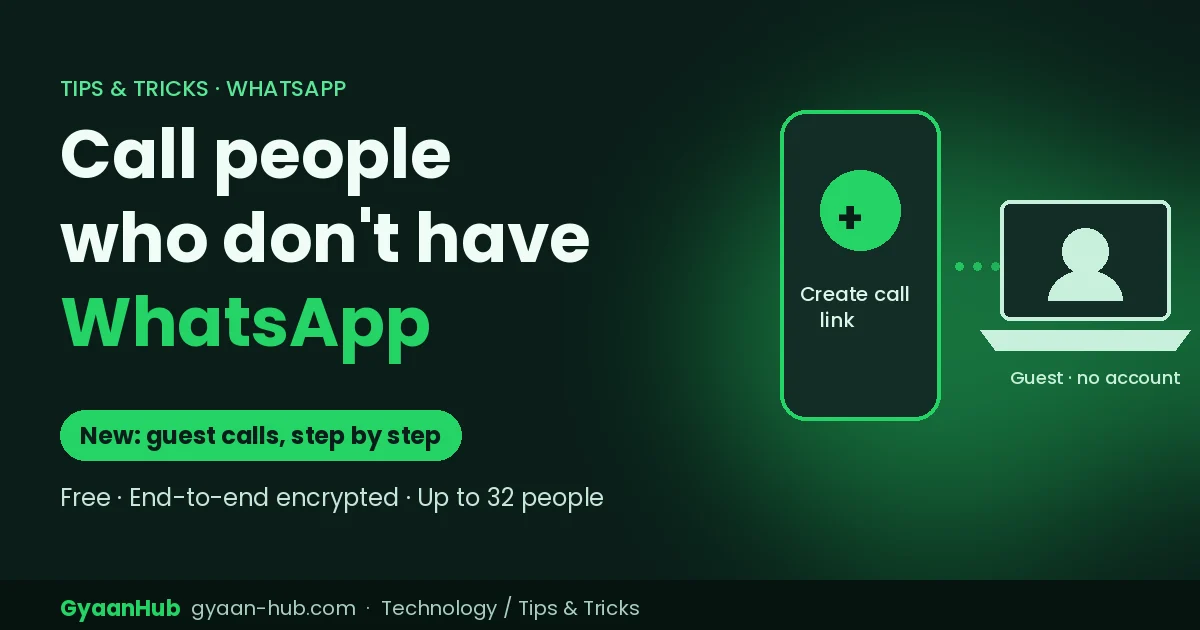
Quick answer: WhatsApp now lets you invite people who don’t have WhatsApp to voice and video calls. You create a call link in the Calls tab and share it, the guest opens it in a computer browser and enters their name, and you approve them from a waiting room. Calls stay free and end-to-end encrypted, with up to 32 people.
This is handy for calling clients, relatives abroad, or anyone who uses a different app. Here is how it works, step by step.
How to start a WhatsApp guest call
- Update WhatsApp to the latest version from the Play Store or App Store. The feature is rolling out gradually.
- Open WhatsApp and go to the Calls tab.
- Tap the + icon and choose Create call link.
- Pick Voice or Video.
- Tap Share link and send it by SMS, email or any other app.
- Join the call yourself from the link. When the guest requests to join, you’ll see them in the waiting room. Tap to let them in.
How a guest joins without WhatsApp
- Open the link on a computer in a web browser.
- Enter a display name.
- Click to request to join, and wait for the host to approve.
No account, phone number or app download is needed.
What guests can and can’t do
| Guests can | Guests can’t |
|---|---|
| Join one-to-one or group calls | See other people’s phone numbers |
| Share their screen from a computer | Send chat messages |
| React with emojis | Add or invite other people |
| Raise their hand to speak | Start their own calls |
The host can remove a guest at any time.
Is it safe?
WhatsApp says guest calls keep the same end-to-end encryption as normal WhatsApp calls, so adding a guest doesn’t make the call less private. Every guest also has to be approved by the host.
One thing to watch: anyone who has the link can reach the waiting room. If a link gets forwarded, a stranger could request to join. Check names before you approve, and create a fresh link for sensitive calls.
Useful ways to use guest calls
- Freelancers and small businesses: take client calls without asking them to install anything.
- Family abroad: include relatives who only use other apps.
- Interviews and quick meetings: a free alternative to Zoom or Google Meet for small groups.
- Online classes: students can join from a laptop browser.
WhatsApp also plans calendar plugins later this year, so you’ll be able to create WhatsApp call links straight from Google Calendar or Outlook.
Frequently asked questions
Can someone join a WhatsApp call without WhatsApp?
Yes. With the new guest calling feature, they can join from a computer browser using a link you share.
How many people can join a WhatsApp guest call?
Up to 32 participants, including guests.
Can guests join from a phone browser?
WhatsApp’s announcement describes guests joining from a computer browser. Mobile browser support hasn’t been confirmed.
Are WhatsApp guest calls free?
Yes, they’re free and end-to-end encrypted.
I don’t see the “Create call link” option. Why?
The feature is rolling out in stages. Update WhatsApp to the latest version and check again in a few days.
Sources: WhatsApp announcement via Digit, gHacks, Business Today and FileHippo.